
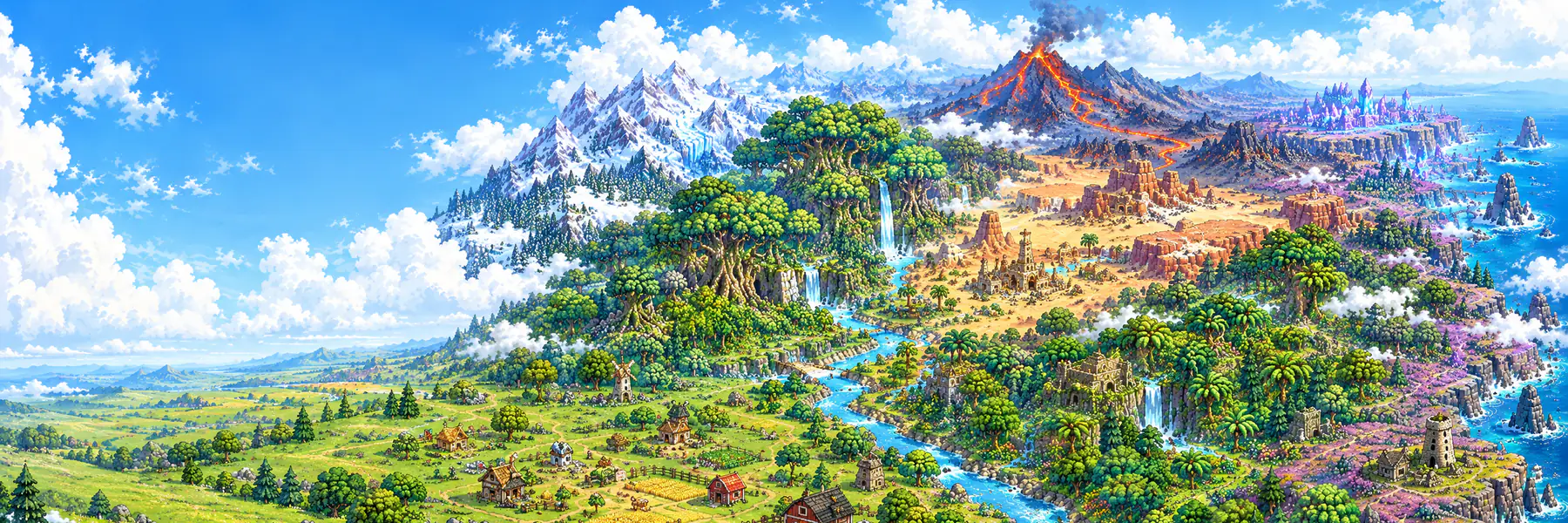

How land works in the eight-realm world: buying a realm tile for devnet SOL, the Land Deed NFT and its live traits, multiple bases and deed transfers.
Land in Pixel Kingdom Wars is a tile in one of the eight fantasy realms, and owning one gives you a Land Deed NFT whose picture and traits are your actual base. You can play without land; buying a tile puts your kingdom on the world map and opens the Gold Forge, the market, raids against other landowners and withdrawals.
Everything here runs on Solana devnet. The SOL you pay and the KEEP you receive are test-net tokens with no real-world value.
Quick facts
- Land costs 0.2 SOL (devnet) per tile. The first-land price is fixed in the onchain program.
- A tile is one base in one realm. The world holds 79,832 ordinary tiles for sale, plus 5,582 reserved Genesis and Seeker tiles in Solana Reach. See Realms and the world.
- While you pay, your chosen tile is reserved for you for 15 minutes.
- Each base comes with one Land Deed, a Metaplex Core NFT with a 5% creator royalty.
- You may own any number of deeds, with up to 5 bases active on one wallet at a time.
- Selling or transferring a deed transfers the whole base; your wallet's KEEP, SOL, identity and clan membership stay with you.
- Raids are instant. Who you can attack depends on Keep level, never on where your tile is.
What a Land Deed is
A Land Deed is a Metaplex Core NFT on Solana devnet. One deed exists per base, minted to your wallet once your land payment is confirmed. All deeds belong to a single collection (devnet address 56RemMwZRxL7xMMV8TbiErZX2YfrnuY65x3t7sTQxKrT).
The onchain name is Land Deed · XXXX…YYYY — the first and last four characters of the asset's own address — and the symbol is DEED. The name follows the asset, never the holder, so it stays correct after a sale.
Live traits
Your deed is a living document. Its metadata is rebuilt from your base as it changes:
| Trait | What it shows |
|---|---|
| Location | <Realm> · Tile <n> — where your base stands |
| Realm | The realm, for example Crownlands |
| Tile | The tile's address in the world |
| Keep Level | Your Keep's current level |
| Buildings | How many buildings stand on the base |
| Land | Your claim's size, as side×side |
| Founded | The date the land was paid for |
The deed's picture is a render of the base itself. Hosted documents refresh in rolling passes about a minute apart, so a given deed may take a few minutes to catch up, and a wallet or explorer may show older traits for a while.
Royalty and transfers
- Deeds carry a 5% creator royalty, honoured by marketplaces but not enforced on chain. A direct wallet-to-wallet transfer pays nothing.
- Deeds are transferable. The game keeps a fleet-wide freeze switch for emergencies; it is not engaged.
- On devnet there is no real trading liquidity.
What land unlocks
Any wallet can build, mine and train without land. Buying a tile adds:
- Your place in the world — your kingdom on the world map, and the Land Deed NFT.
- The GOLD FORGE, which turns SHARDS into KEEP each day. See Gold Forge.
- Both sides of the item market, including listing the deed itself.
- Raiding and scouting other landowners and choosing your own targets. Bases without land only meet each other; the two pools never mix.
- Clans, once clans open.
- KEEP withdrawals.
- Extra builders and land expansions, bought with SOL.
Without land you have no tile and no marker on the world map. The 5,000 starter SHARDS come with your first base, not with land.
Choosing your tile
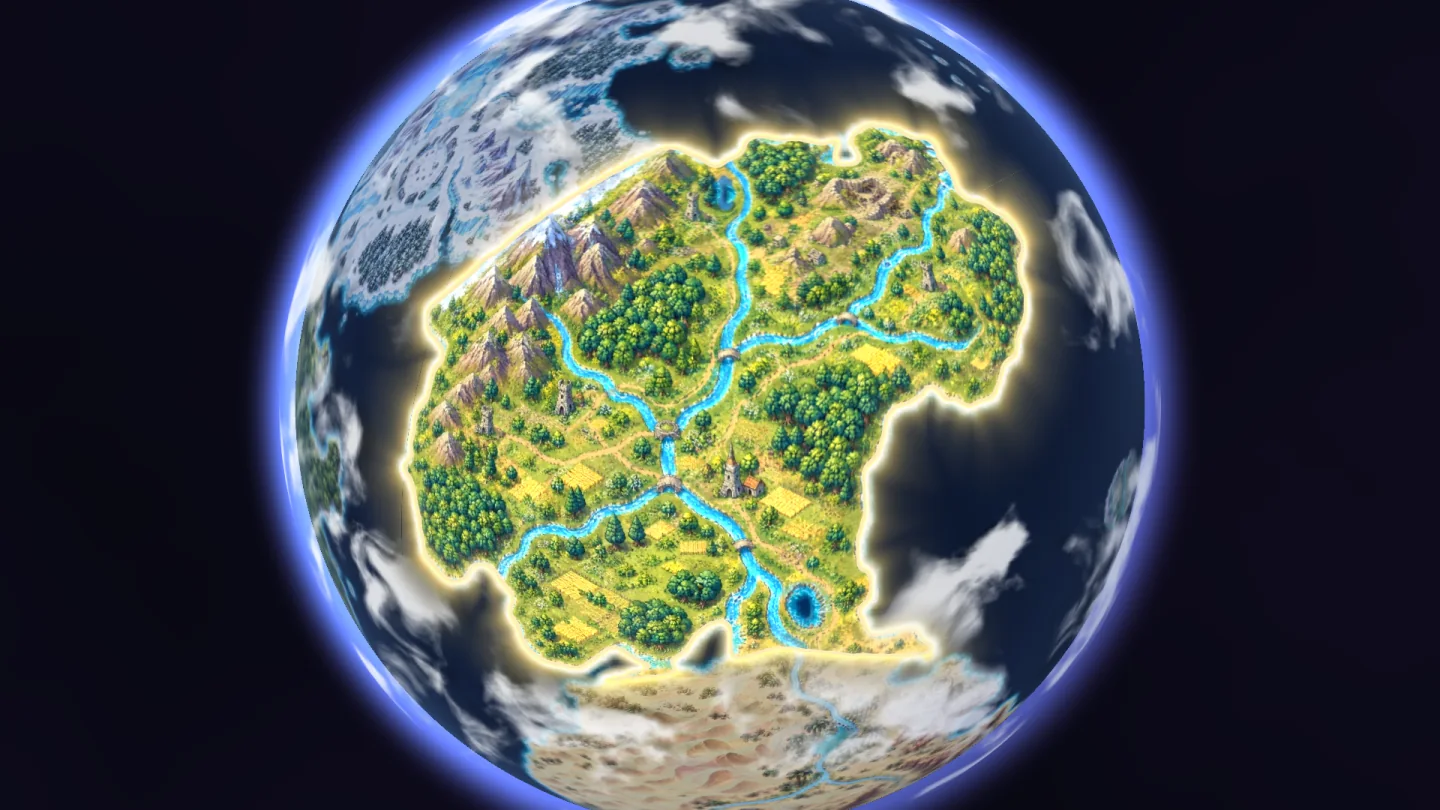
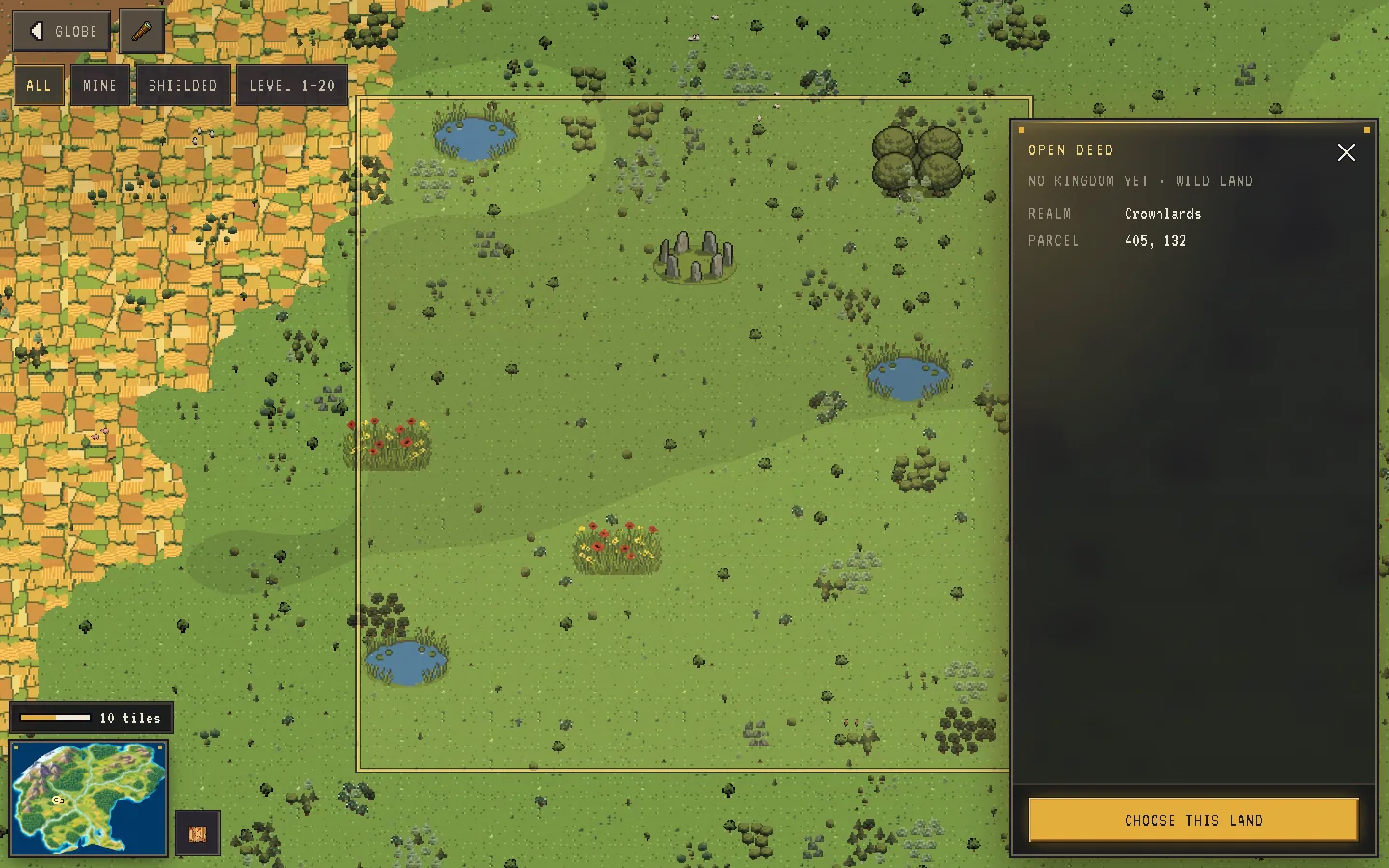
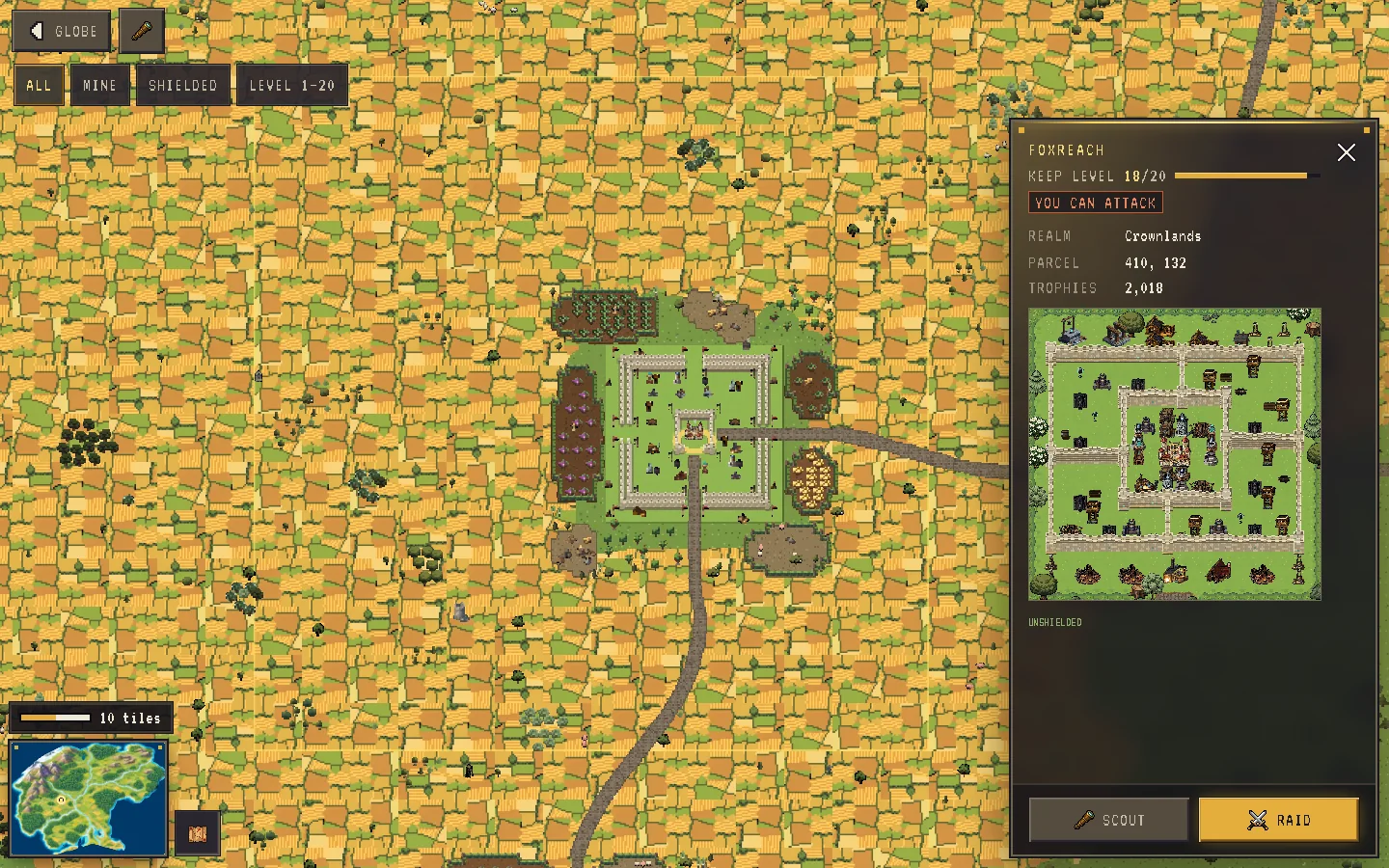
Open the world map, pick a realm and tap ENTER MAP, then tap any tile. The card tells you whether it is yours, owned by someone else or free, and offers CHOOSE THIS LAND on a free tile. If you would rather not choose, SECURE A RANDOM TILE picks a free ordinary tile for you.
Some tiles can never be bought:
- Genesis and Seeker tiles in Solana Reach are reserved; they have no purchase action.
- Islands cannot be owned at all — no Land Deeds are issued for them.
- A tile someone else owns or has reserved is taken.
Buying land: reserve, pay, confirm, mint
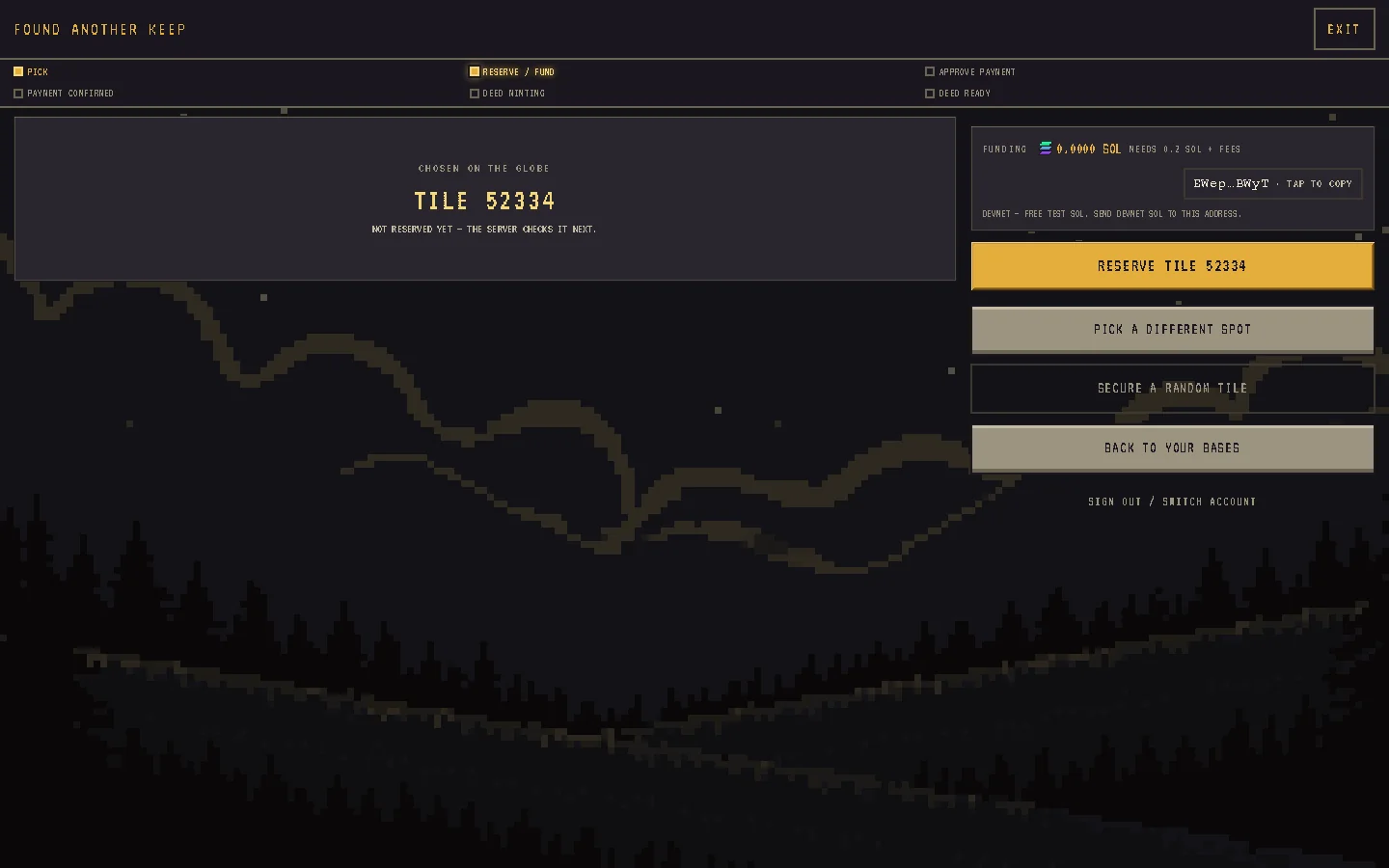
- Reserve. Starting a purchase creates a payment request and reserves your exact tile; the tile and the price are frozen before your wallet is asked to approve anything. The reservation lasts 15 minutes.
- Pay. Your wallet signs one transaction to the game's
shardkeep-coreprogram. Your first tile uses the one-timepay_entryinstruction; every later tile uses the repeatablebuy_sink. The program splits the SOL 40% / 35% / 25% between the liquidity, dev and ops treasuries. - Confirm. The game checks the payment on chain. It must match the quote exactly. PAYMENT CONFIRMED — YOUR DEED IS MINTING appears once it is final.
- Credit. In one step your land is marked paid, the base is activated (if you have fewer than 5 active), your tile is written to it and the reservation closes.
- Mint. The Land Deed is minted to your wallet in the background. Minting never blocks you — YOUR DEED IS MINTING. YOU CAN ENTER AND KEEP PLAYING. A self-healing job retries any missed mint, and the deed's address comes from your base's stable id, so a retry can never create a second deed.
If a reservation expires or a payment fails, the tile is released.
Multiple bases
- Hold as many deeds as you like, with up to 5 active per wallet. Extra bases wait inactive until you activate one, optionally swapping out an active base.
- A base cannot be activated while it is being raided or has an unresolved attack of its own.
- Each base is its own economy. SHARDS, Mines, army, heroes, items, trophies, quests and history belong to the base. Your wallet's KEEP and SOL, your identity, clan and account cosmetics belong to the wallet.
- Wallet-wide limits use your strongest active base's Keep level, never a sum.
Deed transfers: the base follows the deed
A deed conveys the complete playable base: its structures, SHARDS, Mines, army, heroes, items, trophies, battle history and its tile. It does not convey your identity, wallet KEEP or SOL, clan membership or account cosmetics.
- Claim it yourself. After buying a deed, use the claim flow in the game (CLAIM YOUR BASE). The server re-reads the NFT on chain and checks that you own it and that it is unfrozen, undelegated and still in the collection.
- Or let the game notice. A background observer checks every active deed's owner every few seconds. Sensitive actions re-check fresh ownership and refuse to act if it cannot be confirmed.
- On a confirmed change, the base arrives with the new owner inactive; they activate it, and the seller's slot is freed. A handover waits while the base has an unresolved outgoing raid.
What the map shows about you
- Map markers show a kingdom's public name, avatar and Keep level — and, on the Android app, a dome over shielded kingdoms. Wallet addresses, loot and shield timers are never part of a marker.
- A tile's panel (for landowners) shows the owner's name, avatar, clan tag and Seeker badge, Keep level, trophies, deed status, structure counts, whether you may scout or attack (with the reason if not) and an approximate loot range — never exact figures.
- Scouting (landowners) gives a 30-second preview of a target's layout. A shield never blocks a scout.
- Search finds a kingdom by name or wallet prefix.